
How Does It Work?
From first enquiry to final payment — see the complete workflow that helps UK builders win more jobs and get paid faster.
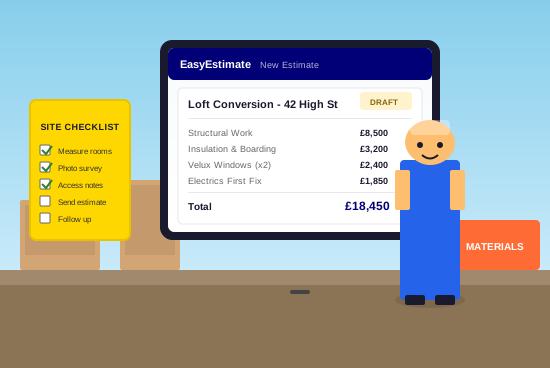

Complete Estimating Workflow
From Enquiry to Estimate
Create and send a professional estimate to your customer
Create a New Job
Start a new job with customer details, site address and notes from your initial conversation or site visit.
Upload Plans
Drop in PDF plans and use the takeoff tool to measure wall lengths, floor areas, and count windows and doors.
Build Your Estimate
Add items using calculators, the 60,000+ material library, templates, or your own custom items with live UK prices.
Set Your Markup
Apply profit margins and waste allowances. Set different markups for materials, labour and plant.
Review & Adjust
Check the breakdown by area, adjust quantities, swap materials, and preview exactly what the customer will see.
Send to Customer
Generate a branded PDF with your logo. Send by email, download, or export to Excel.
After the Job is Won
Manage the job through to completion and final payment
Confirm the Job
Mark the estimate as won, set the start date and duration. The job moves to your active dashboard.
Order Materials
Request quotes from merchants, compare prices, create purchase orders and track deliveries in real-time.
Manage Extras
Add extra work as it comes up, send for customer approval, and include on invoices automatically.
Track Actual Costs
Log material invoices and labour costs. See variance reports showing estimated vs actual spend.
Invoice Your Customer
Create invoices for deposits, stage payments or final bills. Send professional branded invoices by email.
Track Payments
Record payments received, see outstanding balances, get reminders to chase overdue invoices.
Ready to Try It?
See the full workflow in action. Start free — no credit card required.